How to Cancel Your Subscription
Go to https://sortpin.lemonsqueezy.com/billing. (Use the same email address you used to purchase SortPin.)
You can manage your subscription, billing information, billing history, and invoices in the Billing page.
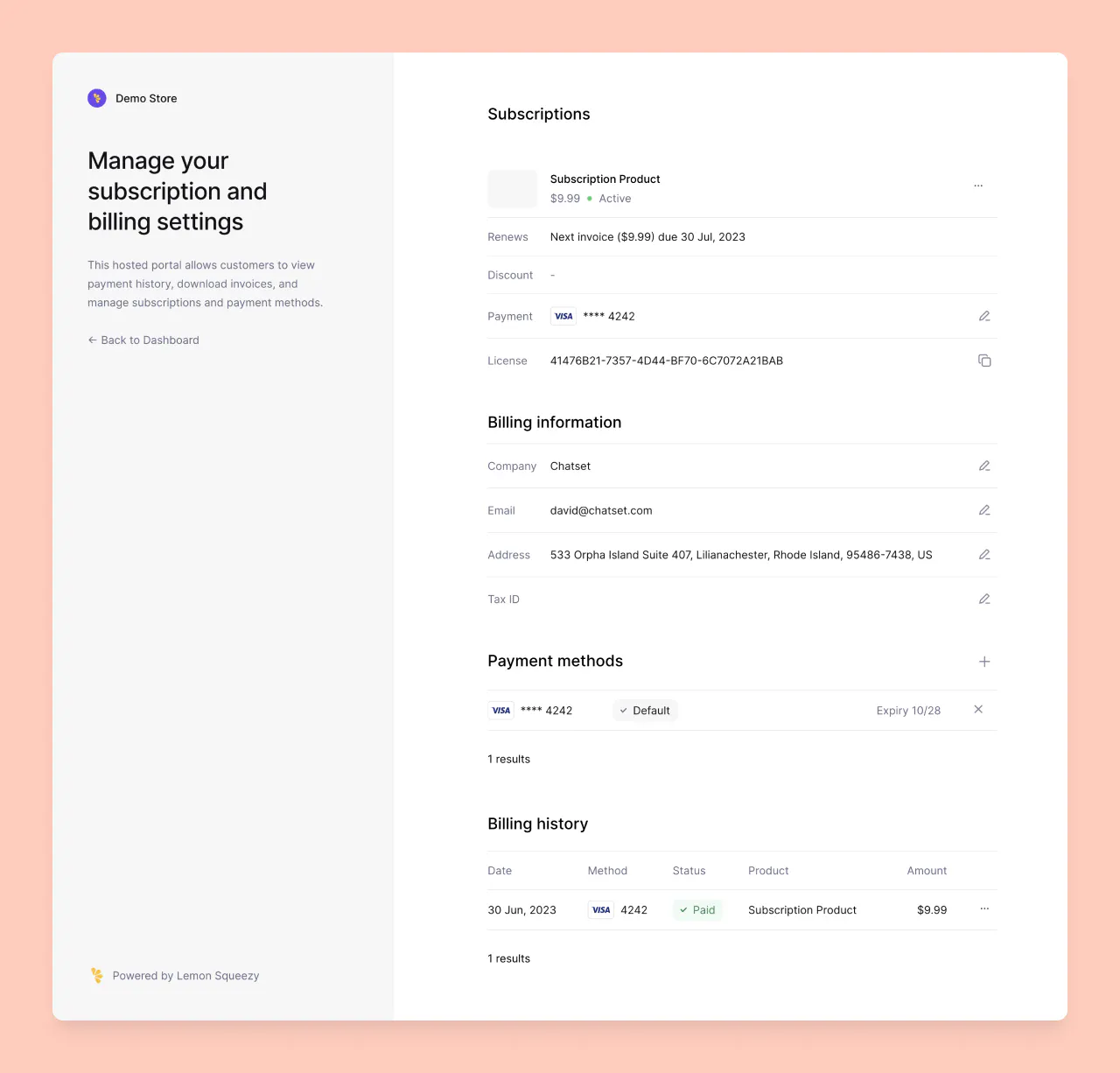
1. Manage your subscription
- Go to https://sortpin.lemonsqueezy.com/billing.
- Use the same email address you used to purchase SortPin.
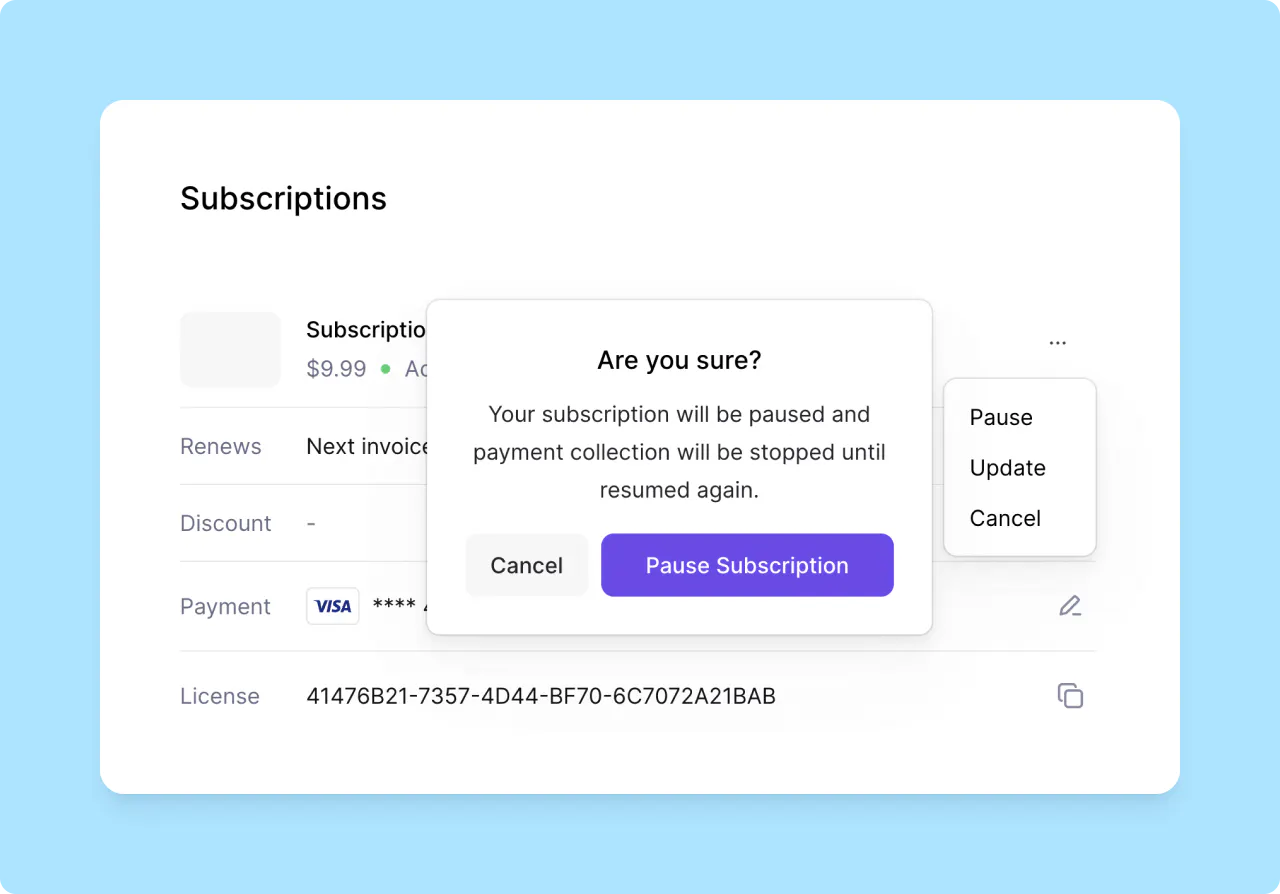
- In Subscriptions section, click dot menu button to pause/unpause and cancel/resume subscriptions.
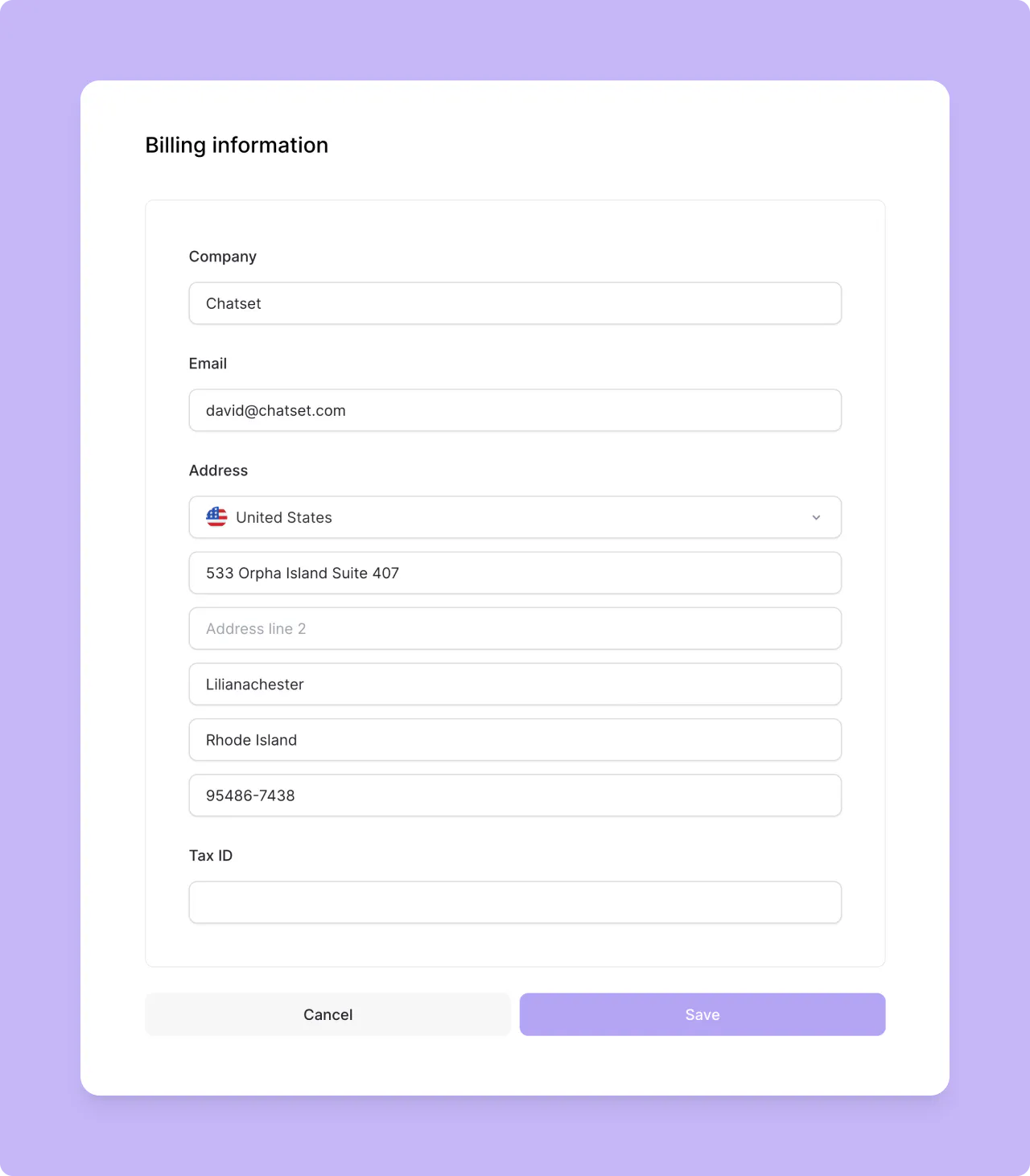
2. Manage your billing information
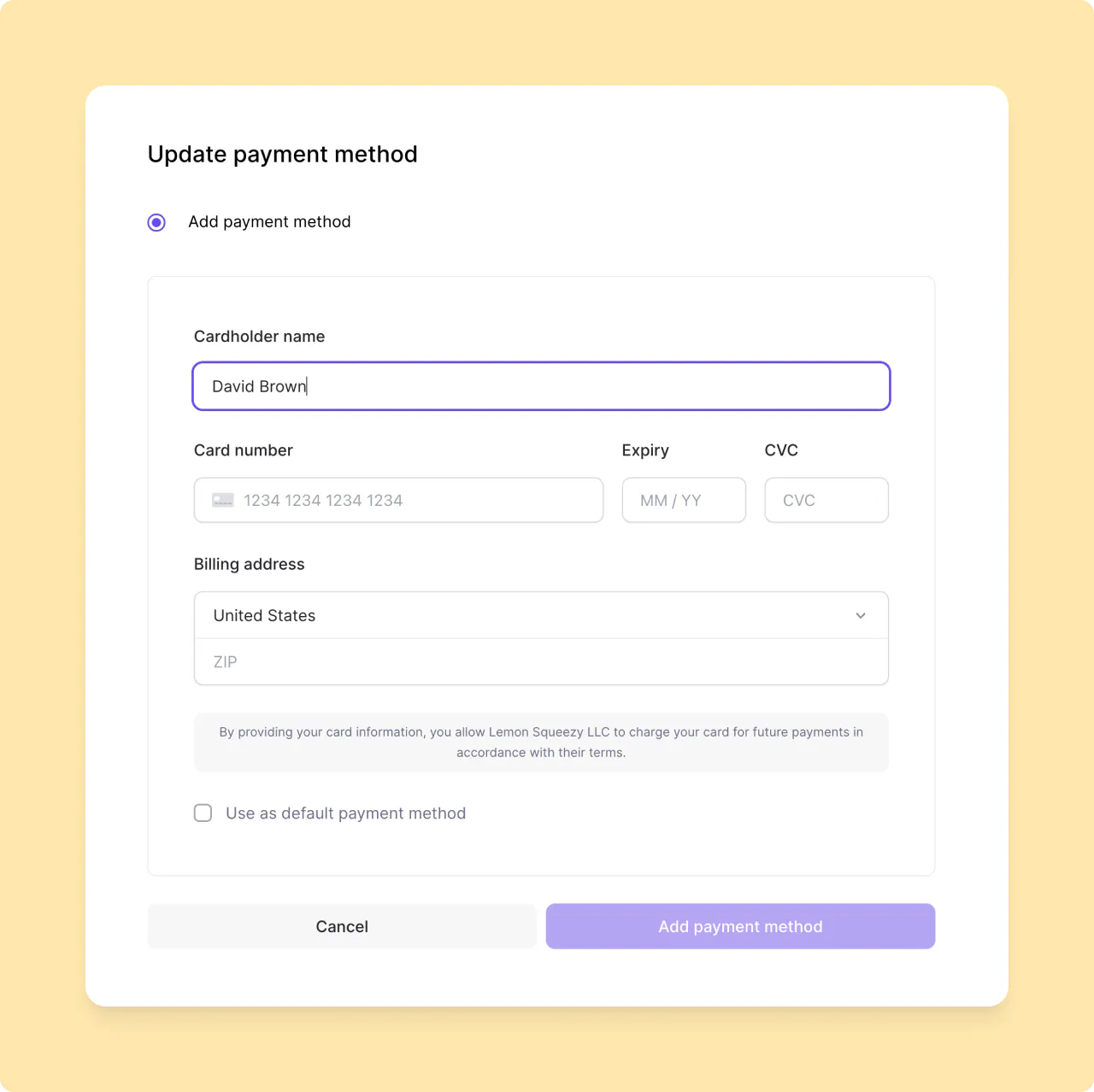
3. Manage your payment method
If you have any questions, feedback, or inquiries about SortPin, please don't hesitate to reach out to us at hey@sortpin.com.