How to Manage Your Licenses and Devices
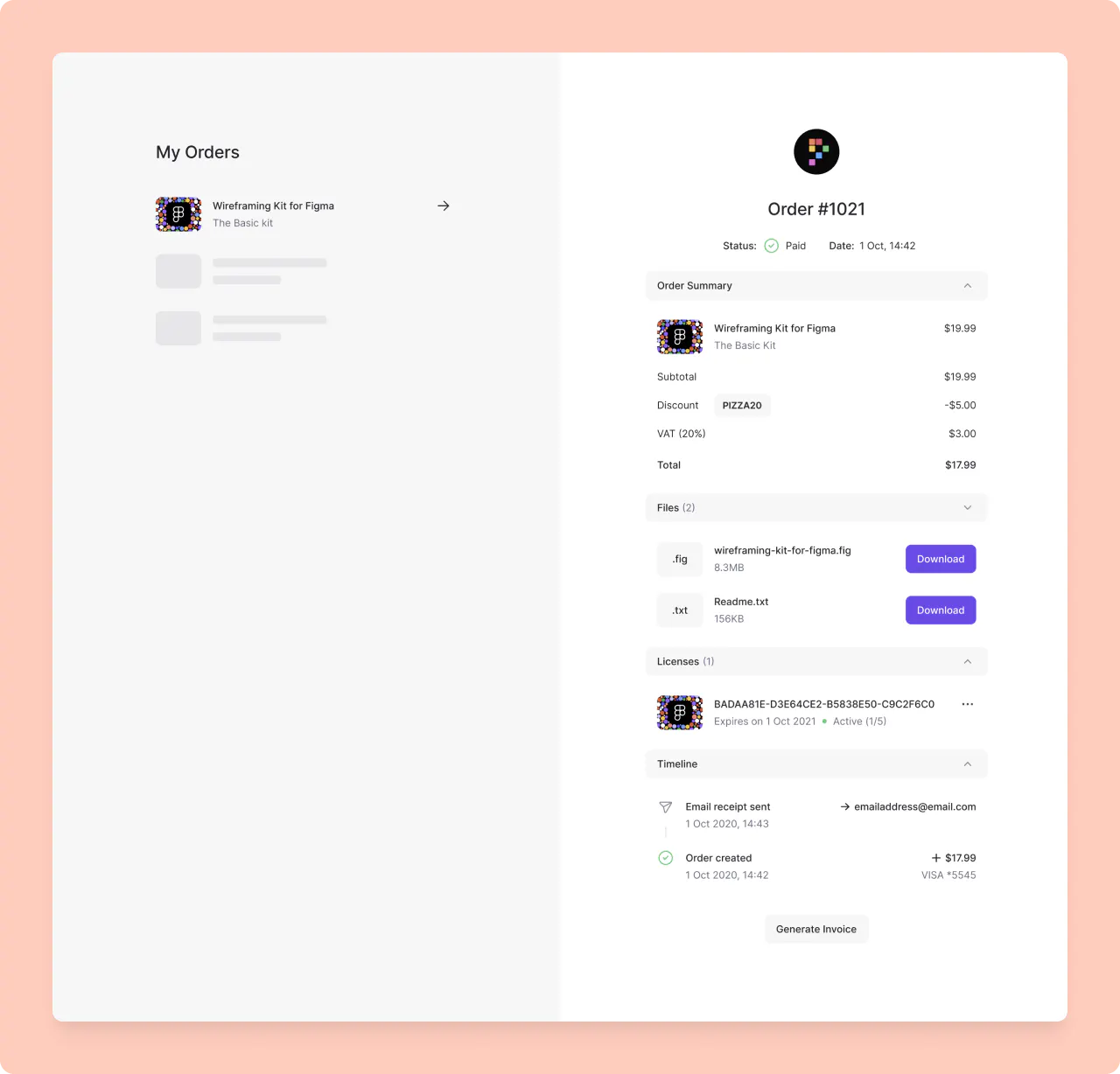
You can manage your licenses and devices in the Licenses page.
1. Logging in
Go to https://app.lemonsqueezy.com/my-orders/.
Use the same email address you used to purchase SortPin.
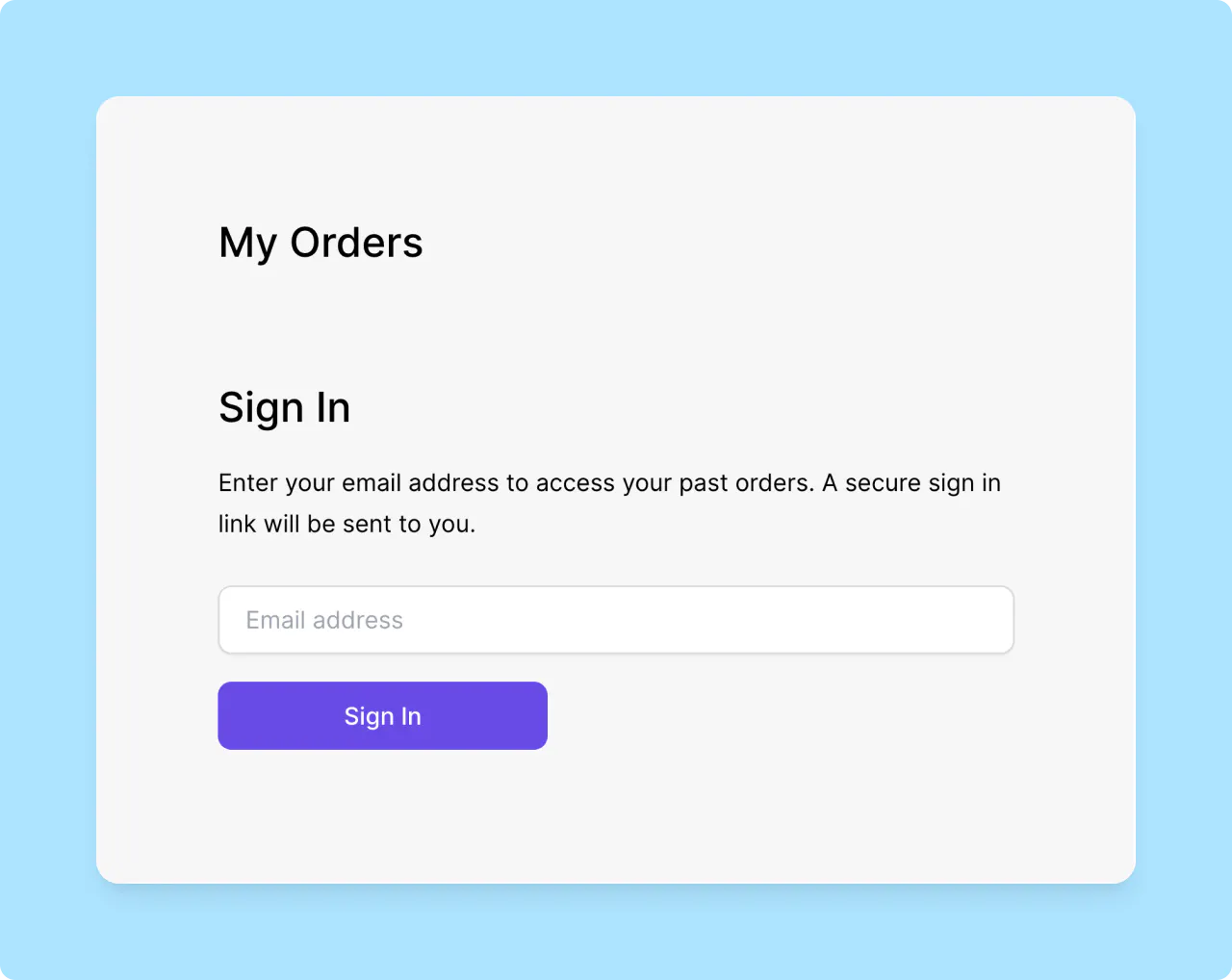
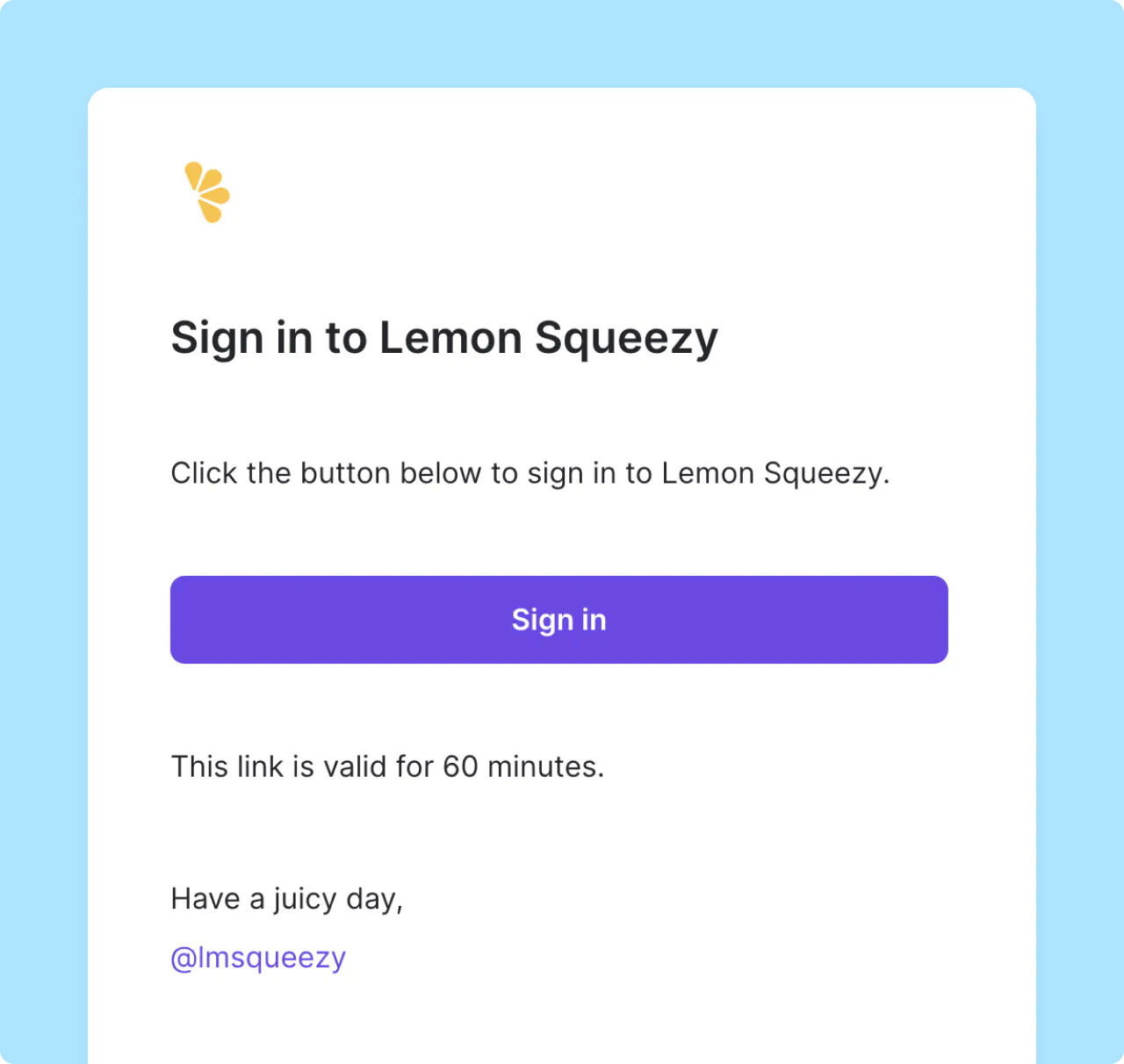
We will send you a magic link email. Click the magic link in the email to login.
2. Manage your licenses and devices
Each license is valid for 5 devices. If you want to use SortPin on more than 5 devices, you can remove a device from the Licenses page.
Or Contact us at hey@sortpin.com for more devices.
If you have any questions, feedback, or inquiries about SortPin, please don't hesitate to reach out to us at hey@sortpin.com.